
CRM overview: what you can do
On this page
See what the Client Craft CRM does: leads, deals, notes and tasks, duplicates, and handing a won deal over to a project. Start here, then pick an article.
Plan: All plans
The CRM is where you keep track of people who might buy from you and the deals you are working on. Sales teams, account owners and marketing teams use it to follow every enquiry from first contact to a won deal.
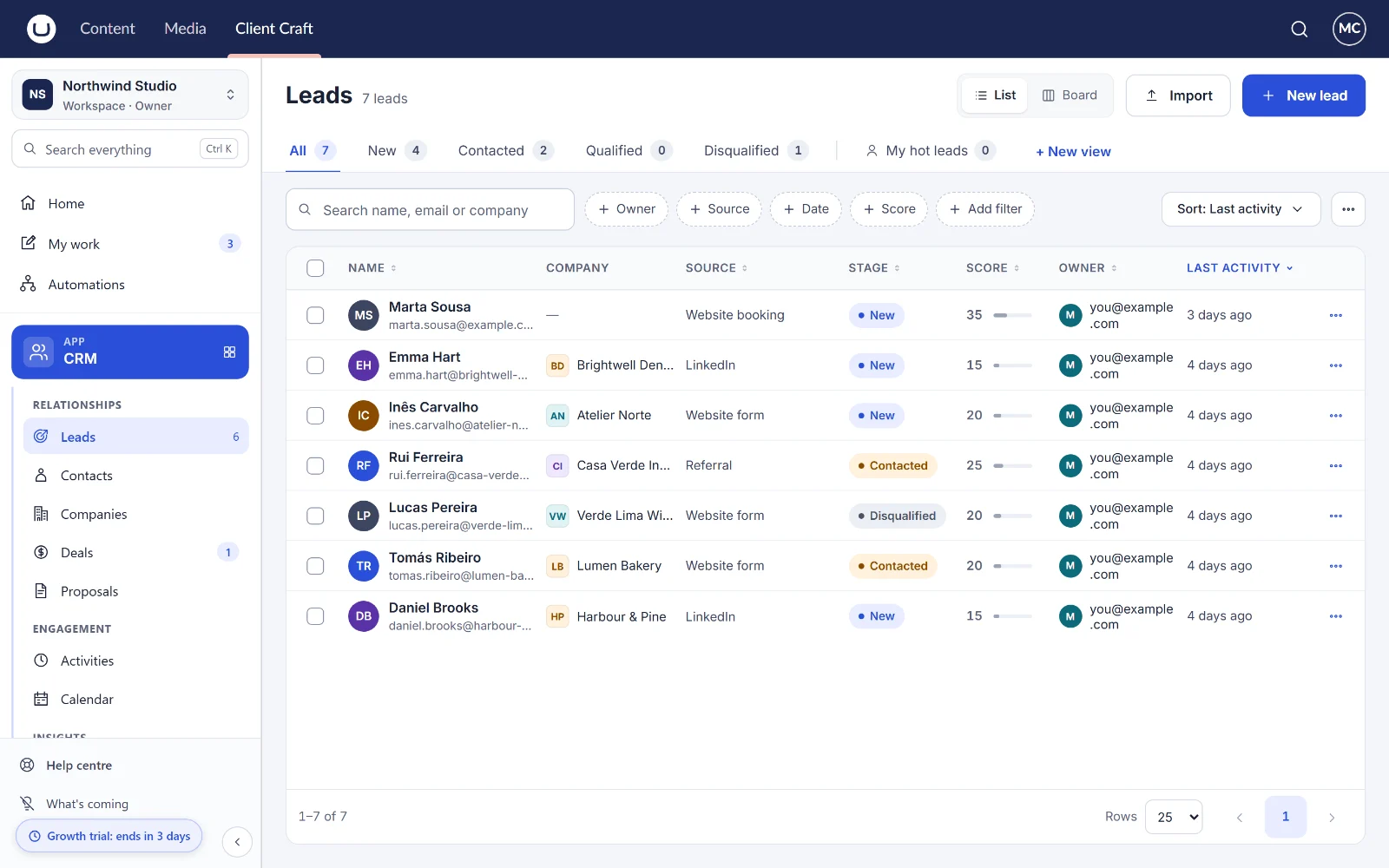
What you can do #
- Record a lead. Save a prospective customer and check the saved details. See Create and edit a lead.
- Capture leads from your website. Build a form, map its answers to lead fields and publish it. See Turn form submissions into leads.
- Convert a lead. Qualify it, then create the contact, company and deal in one step. See Convert a lead into a contact, company and deal.
- Merge, undo and archive leads. Merge duplicates, undo a merge for 30 days and archive leads you no longer need. See Convert, merge, undo and archive leads.
- Log your work. Add notes and tasks, log calls, emails and meetings, and work through follow-ups in Activities and My work. See Log notes, calls and tasks on CRM records.
- Run your pipeline. Create deals, move them between stages on the board and record won or lost outcomes. See Manage deals and stages in the sales pipeline.
- Hand over to delivery. Mark a deal as won and start its project in one step. See Mark a deal as won and start its project.
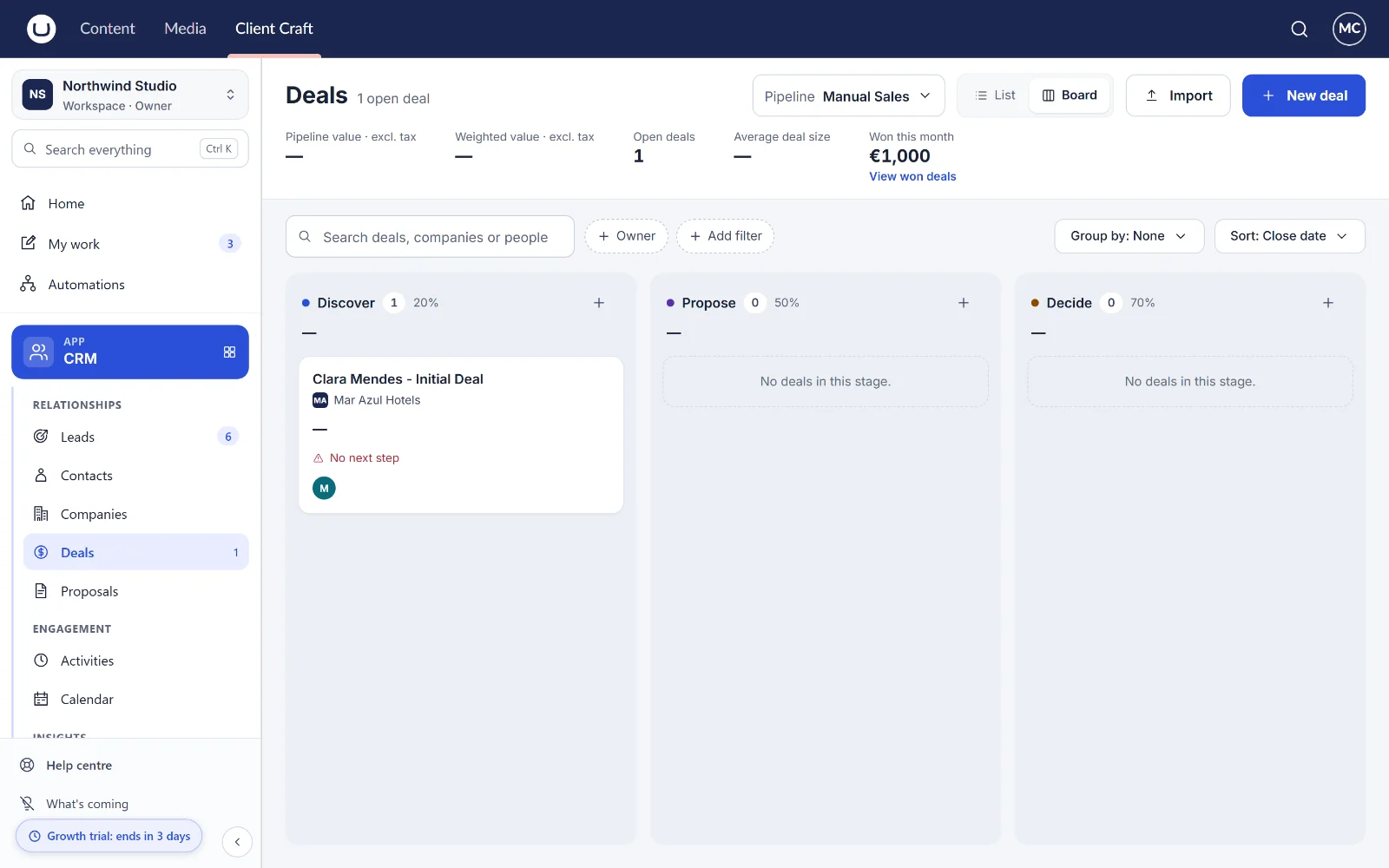
How it connects #
- Form submissions on your website become leads, with possible duplicates flagged for you to review.
- Converting a lead carries its notes, tasks, conversations, form submissions, meetings and bookings over to the new contact.
- A deal can hold a proposal. See the Proposals overview.
- Marking a deal as won can create its project, and the deal's Billing tracks charges and payments. See the Finance overview.
Start here #
Read Create and edit a lead first. Then see how leads turn into deals in Convert a lead into a contact, company and deal.
TipNew to Client Craft? Create your free account and try the CRM with your own data. Already have an account? Sign in and open CRM.
Was this article helpful?