
Your website and Client Craft
On this page
Two ways to have a website with Client Craft: we build and host it, or you connect your own Umbraco site with our packages. Start here to choose.
Plan: All plans
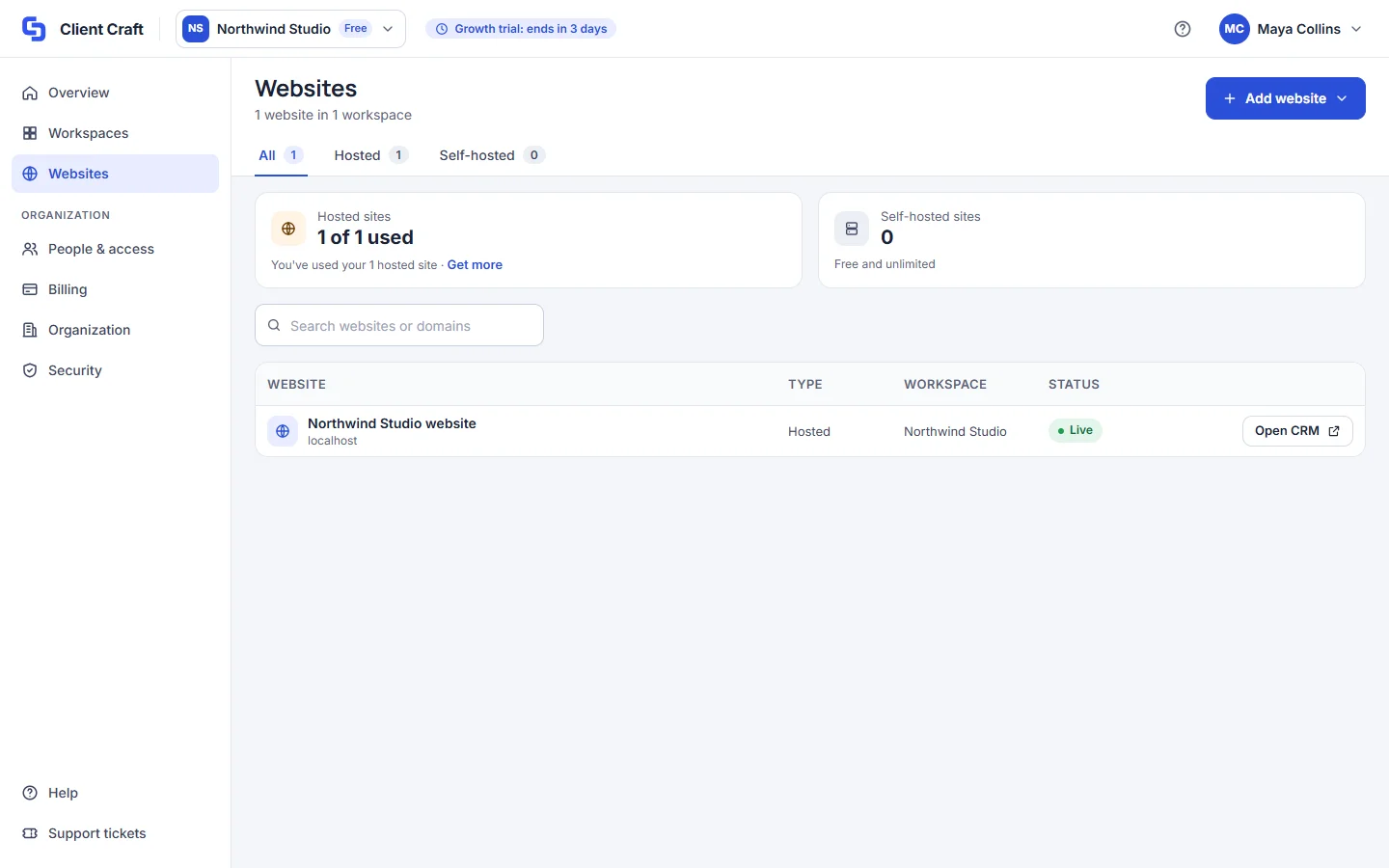
You can have a website with Client Craft in two ways. We can build and host it for you, or you can install our packages on an Umbraco website you host yourself. Either way, forms, bookings and website analytics feed your Client Craft workspace.
What you can do #
If we host your website
- Sign up and create your organization. See Sign up and create your organization.
- Request a website. Send a brief, review the result and approve it. We build and host the site. See Request a website from Client Craft.
- Edit your content. Owners and Admins can edit and publish pages and media. See Edit and publish your website content.
If you host your own Umbraco website
- Choose a package. See Start here: how to get started.
- Install the package. See Install the package and Install the package.
- Connect your site. Link it to your workspace and approve it in Client Craft. See Connect your site to Client Craft and Connect your site to Client Craft.
- Add the layout line. See Add Client Craft to your layout.
- See what the package adds. Read What the Client Craft package adds to Umbraco.
- Integrate a client's site. Agencies can follow Integrate a client's Umbraco website with Client Craft.
- Fix problems. See Compatibility and troubleshooting.
On either kind of website
- Place a form. Show a Client Craft form on a page. See Connect a Client Craft website form to the CRM.
- Read page analytics. See each page's visitors, heatmap and replays in Content. See Read page analytics in Content.
How it connects #
- Form submissions on your website become leads in the CRM. See Turn form submissions into leads.
- A booking page can be embedded on your site. See Set up online bookings.
- Page analytics need a plan that includes Website Intelligence.
- On a hosted website, your CRM opens inside its backoffice.
Start here #
Read Start here: how to get started. It shows which Get started pages to follow for your path.
TipNew to Client Craft? Create your free account and try your website with your own data. Already have an account? Sign in and open Websites.
Was this article helpful?