
Proposals overview: what you can do
On this page
See what Client Craft proposals do: start from a template, add products and taxes, split the payment, send it and get paid. Start here, then pick an article.
Plan: Starter and above
A proposal turns a deal into a document your client can review, question and accept online. Sales teams and account owners use it to agree the scope and the price, and to set up the payments.
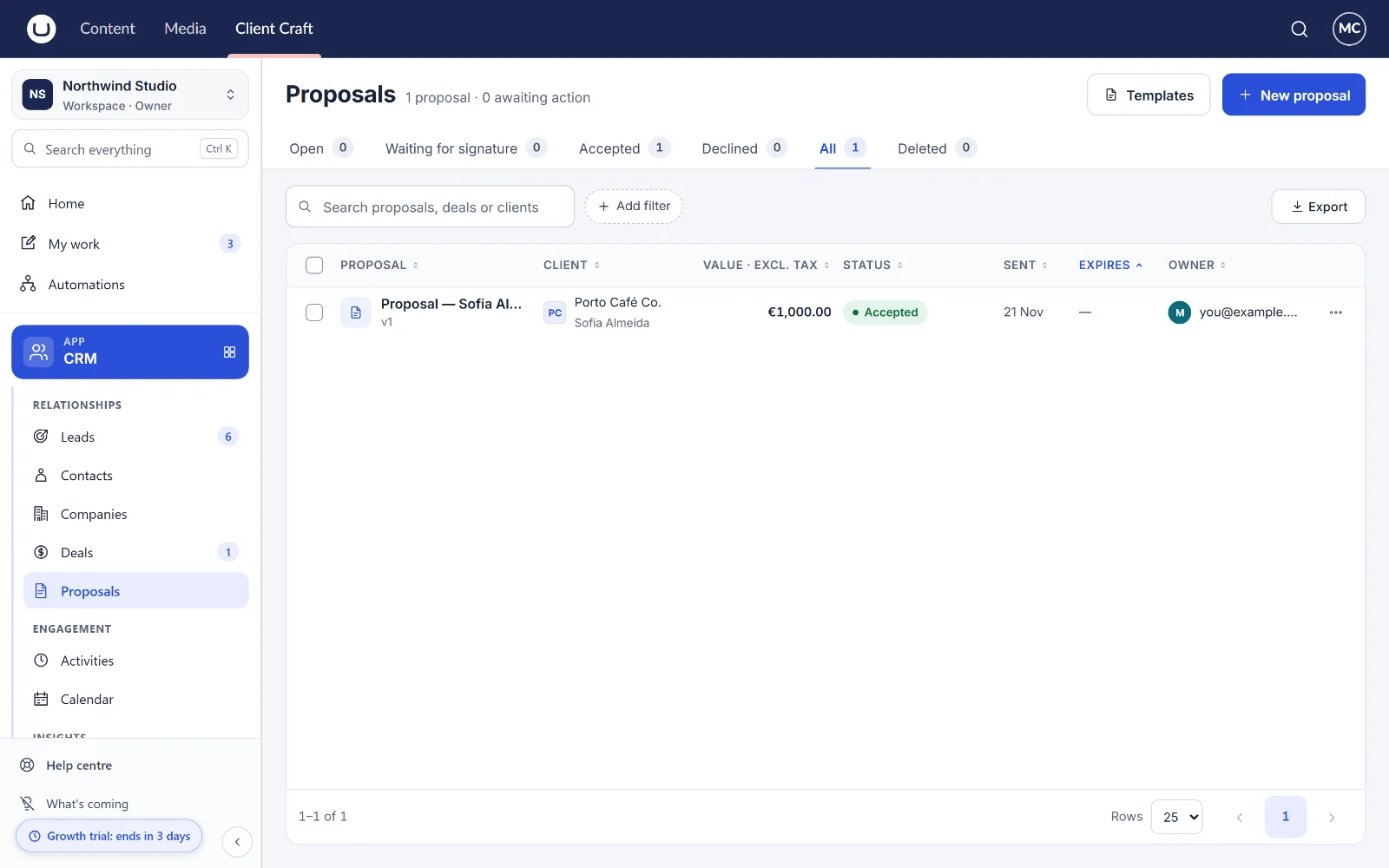
What you can do #
- Start from a template. You can also write with AI, start blank or build a proposal with several parts. See Create and send a proposal.
- Add products and taxes. Each line has its quantity, price, discount and tax. See Create and send a proposal.
- Split the payment. Choose a single payment, installments, a custom schedule or a recurring service. See Create and send a proposal.
- Choose how your client accepts. Use an e-signature or a click. See Create and send a proposal.
- Send it and answer questions. Your client can accept, ask a question, request changes (when your sales process allows it) or decline. See Create and send a proposal.
- Collect a payment by card. Request each payment and share the payment page with your client. See Create and send a proposal.
How it connects #
- You create a proposal from a deal's Proposals tab. See Manage deals and stages in the sales pipeline.
- Products and taxes come from your catalog. See Set up taxes for your products.
- When the client accepts, Client Craft creates one charge per payment in your schedule on the deal. See Record, track and refund customer payments.
- An accepted proposal counts as proof of the sale, so you can mark the deal as won and start its project. See Mark a deal as won and start its project.
Start here #
Read Create and send a proposal. If your products have no taxes yet, read Set up taxes for your products first.
TipNew to Client Craft? Create your free account and try proposals with your own data. Already have an account? Sign in and open CRM, then a deal's Proposals tab.
Was this article helpful?