
Live chat and helpdesk overview: what you can do
On this page
One place for live chats and customer requests: the Support page, its Chats tab and the website chat widget.
Plan: All plans
The Support page is your helpdesk. Customer requests and website chats arrive in one queue, so your team answers from the same place.
What you can do #
- Reply to live chats from website visitors in real time. See Reply to live chats.
- Work customer requests: set status, priority and owner, add private notes and reply by email. See Work customer requests.
- Turn a chat into a ticket when you need more time, so the customer gets an email reply.
Where to find it #
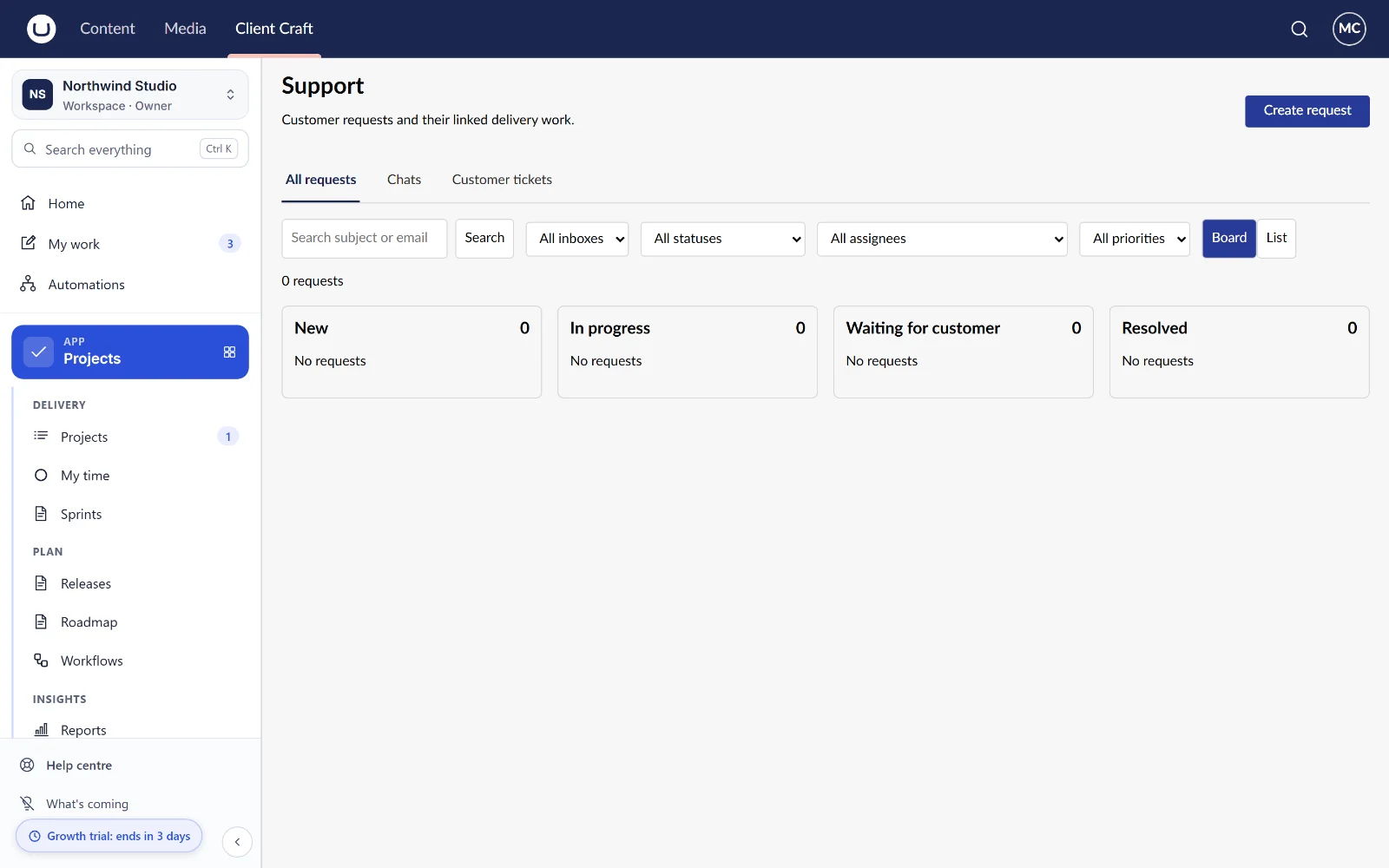
Open the CRM app and choose Support in the side menu. The page has three tabs: All requests, Chats and Customer tickets. A badge on Chats shows how many chats have new activity.
Other conversations #
- Instagram messages are answered under Marketing › Inbox. See Plan Instagram posts.
- A lead's Conversations tab shows the original enquiry and the replies for that lead. See Create and edit a lead.
Was this article helpful?