
Projects overview: what you can do
On this page
What projects, tasks, boards, sprints and always-open lanes are, and where to find them.
Plan: Starter and above (sprints and always-open lanes: Growth and above)
Projects are where you plan and deliver work for your customers. Each project has its own tasks, board, files, time and team. You can link a project to the customer it is for, so everyone sees the same picture.
What you can do #
- Create a project with a name, a delivery type and a team. See Create a project.
- Add tasks, move them across a board and open each one to comment, assign and track time. See Add and organize tasks.
- Plan sprints and keep ongoing work in always-open lanes (Growth and above). See Plan sprints and always-open lanes.
- Log your time on a project and see your week under My time.
- Track releases and a roadmap, and read project Reports.
Where to find it #
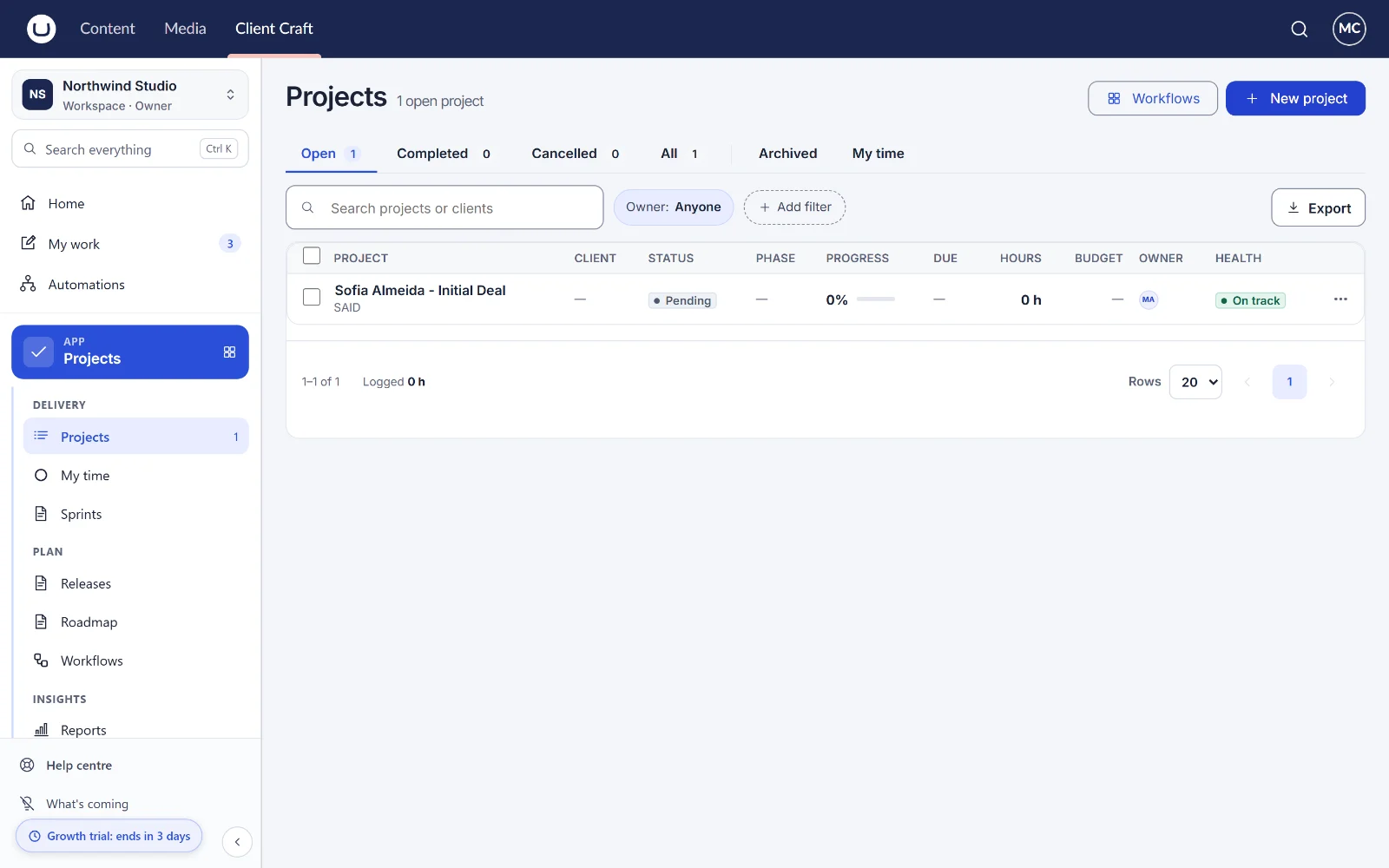
Open the app switcher and choose Projects. The side menu has three groups:
| Group | Pages |
| Delivery | Projects, My time and Sprints |
| Plan | Releases, Roadmap and Workflows |
| Insights | Reports |
Inside a project #
Open a project and you see a row of tabs. A project with a fixed scope has Overview, Tasks, Board, Gantt, Sprints, Files, Time, Budget, Team, Reports and Activity. An open-ended project has a shorter row: Overview, Tasks, Sprints, Files and Activity.
Won a deal? You can start the project from it. See Start a project from a won deal.
Your plan decides which parts you see. Sprints and always-open lanes need Growth or above. If a page is missing, check Choose a package.
Was this article helpful?